
End User License Agreement
The licence is a release candidate, and it says so. It states one condition on its own first page: it is not for public commercial release until the contracting-party identity is confirmed.
You stay in control
Wingman runs on your PC. No telemetry. No cloud storage. You make every pick and bid.
No cloud. No data leaves or stores off your computer. Runs right on your device.
No tracking. No analytics. Your data is never sent. No telemetry, no crash reports, no usage counts, no licence check, no update check.
You pick. You bid. You set your rules. Always. You make the picks. Wingman helps you read the room. Every entry is an event you can undo or correct.
No special uninstallers. Uninstall like any other app. It installs for you alone and never asks for an administrator. Uninstalling is a normal entry in Add or remove programs. Your leagues, your sign-in and your whole draft record are kept in your own AppData folder, not in the program folder. Uninstalling Wingman leaves them where they are.
Wingman advises, and never drafts, bids, or decides for you. There is no route in this build that places a selection, submits a bid, or changes a roster on any platform, and there is no credential in it that could.
The same sentence is a term of the licence you accept before the software shows you a screen, and it is quoted from there rather than written for this page.
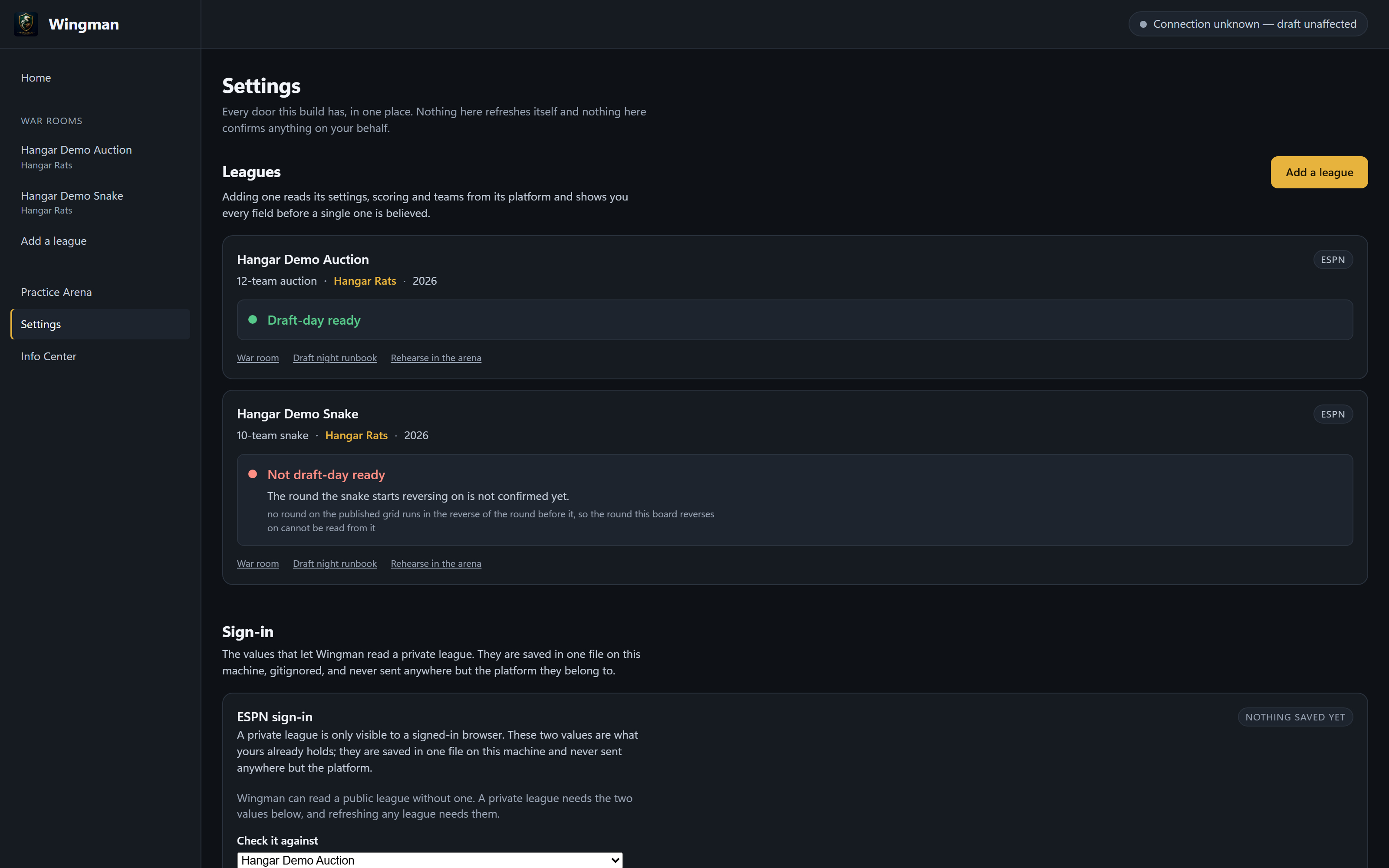
Wingman is built local-first. Your league setup, your draft state, your targets and your notes stay on your machine unless you ask it to read your league from ESPN. No telemetry, no crash reports, no usage counts, no licence check, no update check.
This is the page the rest of the site links to when it says see exactly how Wingman handles your data, so what follows is the whole list rather than a summary of it — and it is short enough to read.
It shows you the licence, in full, before it shows you a screen, and does not go on until you answer. Both are linked here so you can read them without downloading anything first.
The licence is a release candidate, and it says so. It states one condition on its own first page: it is not for public commercial release until the contracting-party identity is confirmed.
Published as the document itself, Pre-Release Candidate v1.1, effective 2026-08-23. Section 10.4 of the Agreement requires it for visits, purchases and support, and section 10 of the notice names this site as where it is posted. Nothing here re-types it, because choosing what survives a re-typing is authoring.
Questions about either go to support.humsalongai@gmail.com, which is the contact section 27 of the Agreement obliges this site to publish.
Wingman and Draft Link are independent products. They are not affiliated with, endorsed by, sponsored by, or approved by ESPN or The Walt Disney Company. ESPN and related marks belong to their respective owners.